[Eclipse] Remote Debug: Better handle the situation when you have to log into the server again #3010

Description

Codewind version: Latest
OS: Mac
IDE extension version: Latest
IDE version: Eclipse - any supported
Kubernetes cluster: OpenShift 4.3.18
Details:
Pre-req: Do a remote debug session on a Codewind Microprofile project. The launch config will be created. Terminate the debug process.
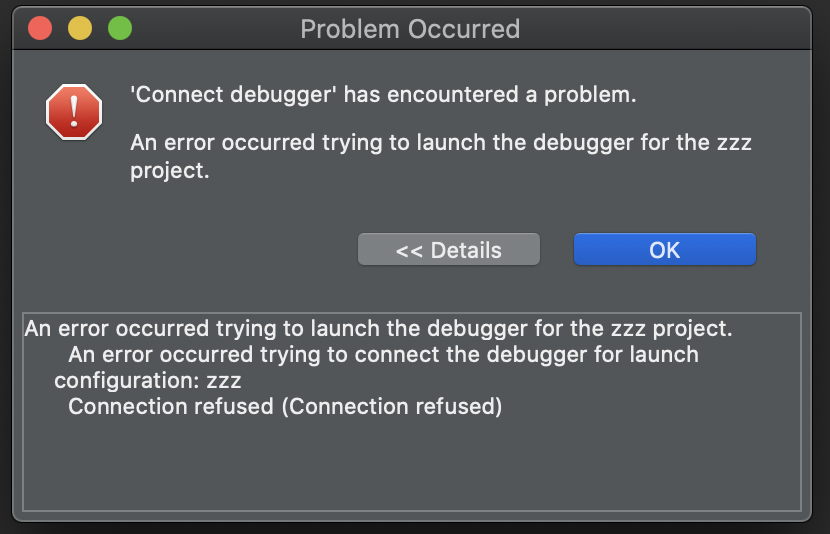
Let some time pass such that you will have to login again to the server. (The token expired) I tried to simulate this by doing an oc logout. In both cases (time out or oc logut), the dialog in step 4 appears.
- Restart Eclipse. After Eclipse is restarted, I see that the application status is: Debugging, Build successful. Here, my app is called zzz :

- Right click on the project and select
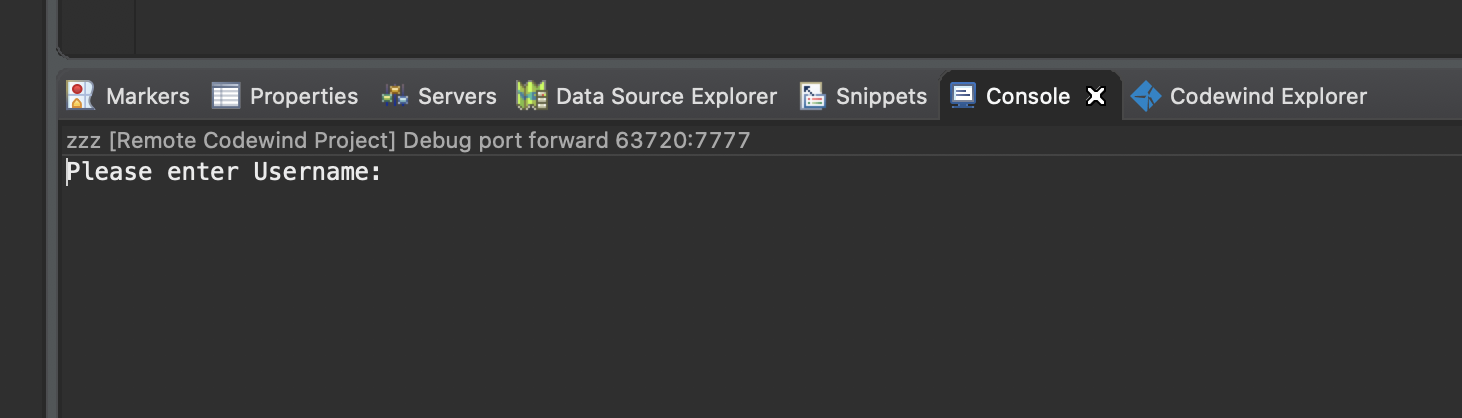
Attach Debugger. You see this in the Console view:
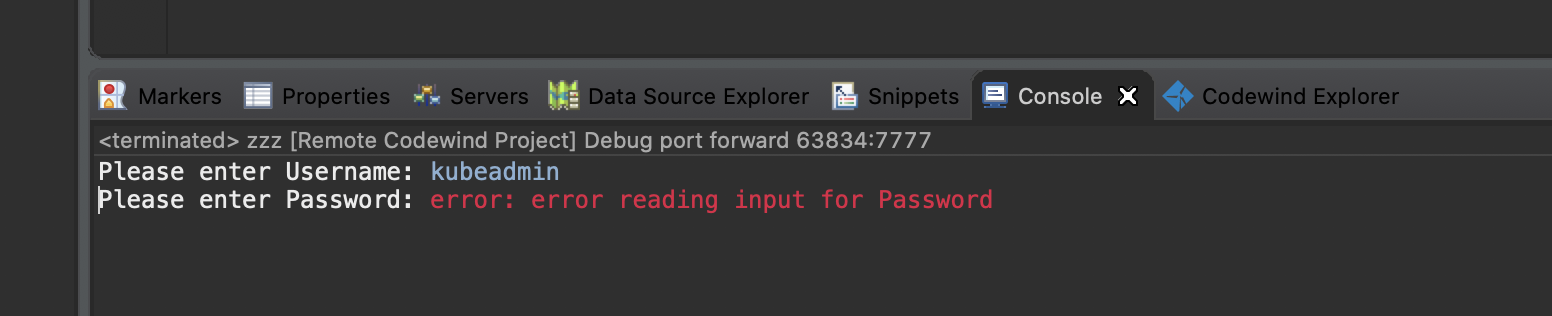
- I tried to enter the user name and password, but only was able to enter the username:
- This dialog appears
If you actually wait (and not do an oc logout), you will get this in the Console view instead

Note that if you simply run the oc login command from your Mac 'system' Terminal window, then attaching the debugger is successful. The above prompting is a bit misleading and misguides you.