✅ Security Notice -- supply-chain attack mitigated, Jun 8 1016 #813


-
|

Beta Was this translation helpful? Give feedback.
Replies: 5 comments 6 replies

-
|
Sorry to hear that this happened! Let us know if we can help in any way to restore access. |
Beta Was this translation helpful? Give feedback.

-
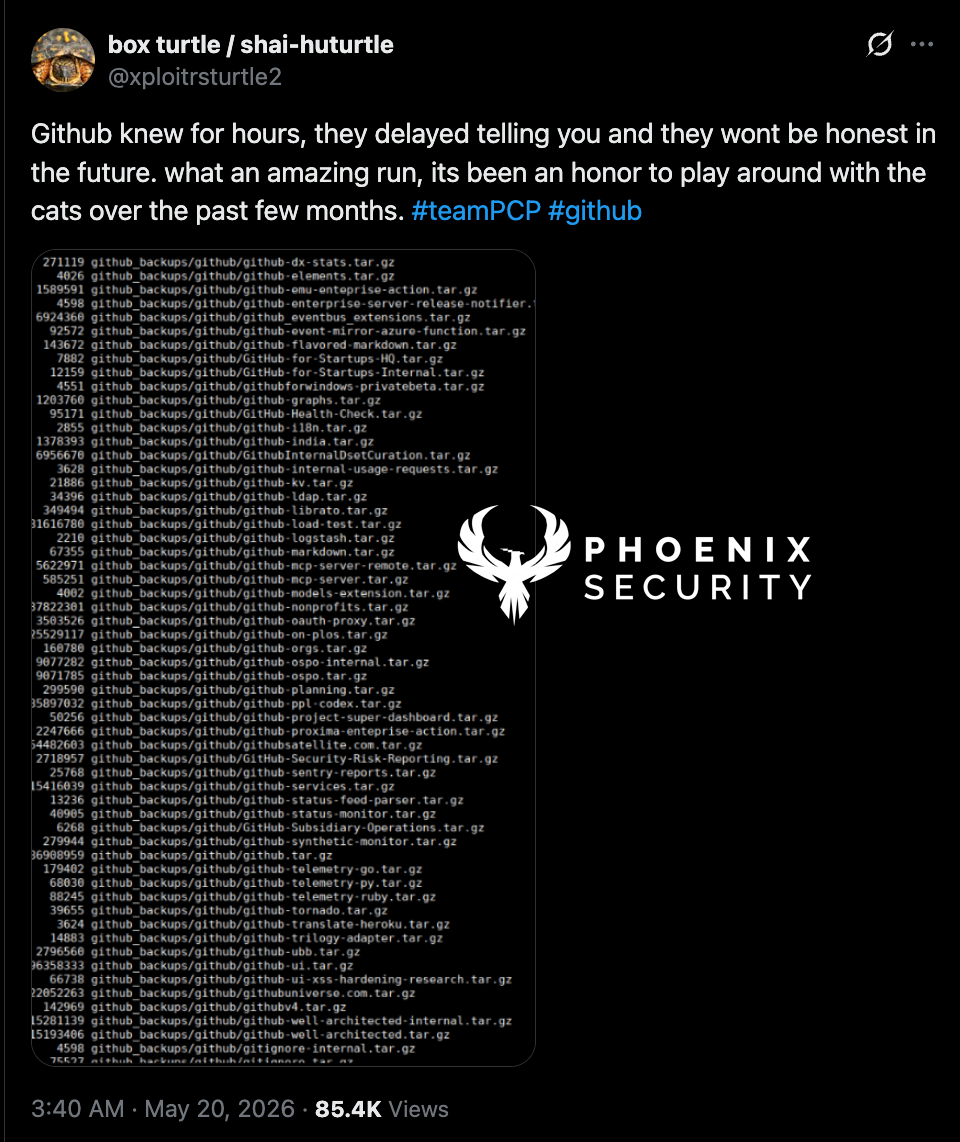
Afaik, this is not the case. The internal GH repos are only those directly owned by GitHub called github-... See a part of the list at https://phoenix.security/media/image-375.png from https://phoenix.security/teampcp-github-breach-durabletask-pypi-supply-chain-wave-four-2026/ I think it was the TanStack incident: https://github.com/icflorescu/mantine-datatable/pull/811/changes The TanStack postmortem: https://tanstack.com/blog/npm-supply-chain-compromise-postmortem |
Beta Was this translation helpful? Give feedback.
-
Update (June 6): independently confirmed, and a correctionHi everyone, Irinel-Ramona again, still posting on Ionut's behalf, his account remains suspended as I write this. Thank you @sebmellen and @DanielRuf for the replies. On the cause, Daniel is right to push back on our first guess. In the original notice I suspected this was tied to the May TeamPCP breach of GitHub's internal repositories. As @DanielRuf points out, that breach was limited to GitHub-owned ( It is now independently documented, not just our account of it. Researchers are tracking the worm as Miasma, a strain of the Shai-Hulud family. SafeDep analyzed the exact commit on this repository, file for file, and described the dropper as "a byte-level match for the Miasma family"; OpenSourceMalware and The Hacker News covered the wider campaign. It turned out to be much bigger than us. The same worm reached 73 of Microsoft's repositories (Azure, Microsoft, MicrosoftDocs) via a stolen contributor token. GitHub disabled all 73 of Microsoft's in a 105-second sweep. Ours, carrying the identical payload, are still live, and Ionut is still locked out and cannot take them down himself. The most important part for you, as users of these packages, is unchanged:
Where things stand: ticket #4448974 is still open, the account is still suspended, and the commit is still being served. Ionut has now published the full technical write-up, with the decrypted payload analysis and the indicators of compromise:
Thank you all for your patience and your kindness through this, it has meant a great deal. If anyone has a contact at GitHub or Microsoft security who could help take the payload down and restore the account, it would help enormously. We will post again the moment anything changes. -- Irinel-Ramona, on behalf of @icflorescu |
Beta Was this translation helpful? Give feedback.

-
Update from the owner: mitigated ✅Hi everyone, Ionut-Cristian here. My GitHub access was restored earlier today, and I wanted to give you a quick status update.
Thank you all for your patience and your support over the last few days. 🙏 --- Ionut |
Beta Was this translation helpful? Give feedback.

-
|
@dmastag0 I'm so sorry you're also a victim of the same attack, and thank you for speaking up even after being locked out. First, and most important: none of this is your fault. I spent days hunting for how I'd been infected, and the honest truth is the entry point is nearly invisible from the user's side. In my case GitHub later confirmed it was a credential of mine, harvested earlier through a dependency and quietly reused weeks later. There was nothing obvious to find, because there was nothing obvious that I did wrong. Don't carry this as something you missed. On the hard part: it took four days for me to get a reply, and that was with a sixteen-year-old account, a public profile, and libraries that thousands of other projects depend on. I don't say that to discourage you, but so you know the silence is not a judgment on you or your case. Support looks badly overwhelmed right now, and the wait reflects that, not you. Keep your ticket open and add a short note to it every day or two to keep it active. When you get back into the original account, and for anyone else reading who has been hit: Do not open an affected repo in an AI editor (VS Code, Cursor, Claude, Gemini), and do not run npm install or npm test on it. That is how the payload runs. A no-checkout clone keeps it off your disk. |
Beta Was this translation helpful? Give feedback.

-
|
Thank you for replying and I just finished reading your Part 2 |
Beta Was this translation helpful? Give feedback.
-
I trust and hope that a human will contact you in a few days. It happened for me when I was starting to lose hope. |
Beta Was this translation helpful? Give feedback.

-
|
Finally my account has been restored. Thanks for all the advice |
Beta Was this translation helpful? Give feedback.
-
|
@dmastag Glad to hear it! |
Beta Was this translation helpful? Give feedback.
-
If you were hit by this worm: a cleanup guideI went through this on my own repositories and want to leave a complete, practical guide for anyone who lands here after being hit. It applies to the Miasma / Shai-Hulud-family worm that plants a The full account of how this happened to me, and the forensics behind it, can be found here and here. This is just the practical fix.
Rule zero: never let an affected repo runThe payload executes when you open the repo in an AI-assisted editor (VS Code, Cursor, Claude, Gemini) or run
Step 1: Clone with no checkoutgit clone --no-checkout https://github.com/<you>/<repo>.git fix
cd fix
git fetch origin '+refs/heads/*:refs/remotes/origin/*'Nothing lands on your disk as runnable files. This is safe. Step 2: Detect by the payload file, not by authorThe commits are disguised. On default branches they look like the git for-each-ref --format='%(refname:short)' refs/remotes/origin | while read b; do
git cat-file -e "$b:.github/setup.js" 2>/dev/null && echo "INFECTED: $b"
doneEvery branch printed as Step 3: Back up the evidence oncegit clone --mirror https://github.com/<you>/<repo>.git evidence.git
tar czf evidence.tar.gz evidence.gitKeep this somewhere safe in case you need it later. Step 4: Remove the malicious commit from each infected branchFor these attacks the malicious commit is usually the tip of the branch. Confirm it, then reset the branch back to that commit's parent: # Confirm the latest commit on the branch is the one that added the payload:
git log -1 origin/<branch> -- .github/setup.js
# Reset the branch to the parent of the malicious commit (drops it from history):
git push --force-with-lease origin <MALICIOUS_SHA>^:refs/heads/<branch>I chose reset over
Step 5: Purge the copies you cannot seeBecause of GitHub's fork network, a commit can stay reachable by its SHA even after it is off every branch. Removing it from your branches is not the definitive end. Open a support ticket, give them the full list of malicious commit SHAs, and ask them to garbage-collect and purge them through their sensitive-data removal process. That is the real kill. Step 6 (the one people miss): rotate credentials properlyCleaning the repos is pointless if the credential that let them in is still live. The attack is typically a harvested token, not your password, so 2FA does not stop it.
A note that may reassure youIn my case the published npm packages were never touched. The attack was on the GitHub source repositories only. Check your own npm versions, but if you publish, your users may well have been safe the whole time. If any of this is unclear, or your situation does not match these steps, comment here and I will try to help. |
Beta Was this translation helpful? Give feedback.


Update from the owner: mitigated ✅
Hi everyone, Ionut-Cristian here. My GitHub access was restored earlier today, and I wanted to give you a quick status update.