When using the default config (not setting any prefs or flags) when I launch my karma tests in firefox It also opens 2 other tabs which i have to close to see my tests. One is the "first run" privacy notice from Firefox, and the other is a "welcome" URL for an extension I have installed.
This is what I see

I eventually found a preference to disable the "first run" privacy notice tab:
customLaunchers: {
    firefox_custom: {
        base: 'Firefox',
        prefs: {
            'toolkit.telemetry.reportingpolicy.firstRun': false,
        }
    },
}
That works for the one tab, but now I still have the extension tab showing. How can I disable extensions when launching this?
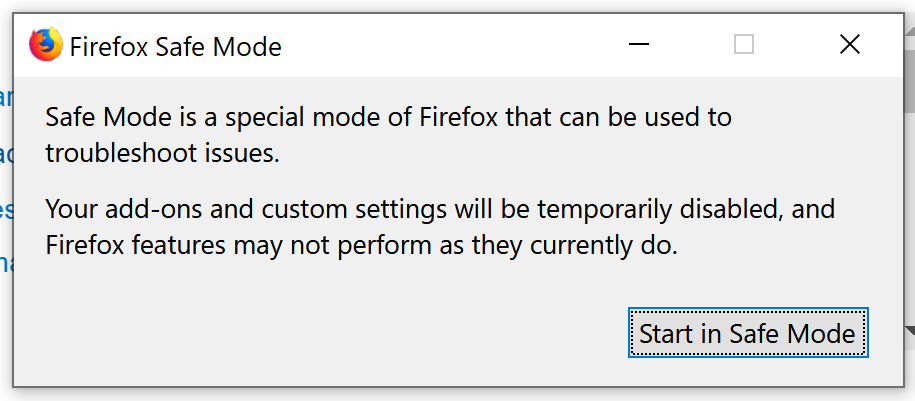
I know that I can set flags: ["-safe-mode"] which does work, but that forces a dialog to show, which requires a click-though - and this is arguably even more annoying than closing a tab.

When using the default config (not setting any prefs or flags) when I launch my karma tests in firefox It also opens 2 other tabs which i have to close to see my tests. One is the "first run" privacy notice from Firefox, and the other is a "welcome" URL for an extension I have installed.
This is what I see
I eventually found a preference to disable the "first run" privacy notice tab:
That works for the one tab, but now I still have the extension tab showing. How can I disable extensions when launching this?
I know that I can set
flags: ["-safe-mode"]which does work, but that forces a dialog to show, which requires a click-though - and this is arguably even more annoying than closing a tab.