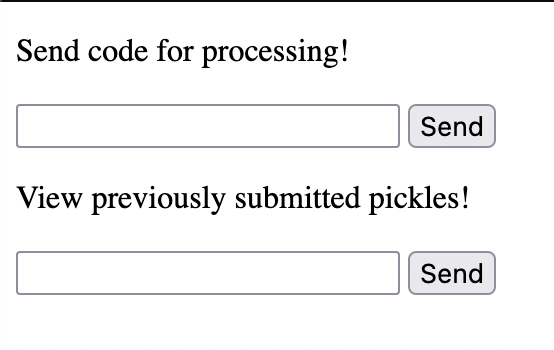
This is the source given:
pickle-factory
├── docker-compose.yml
└── hosted
    ├── Dockerfile
    ├── app.py
    ├── requirements.txt
    └── templates
        └── index.html

2 directories, 5 files
In app.py we have all the interest functions, request handler, etc. Looking at the /create-pickle endpoint :
if parsed.path == "/create-pickle":
    length = int(self.headers.get("content-length"))
    body = self.rfile.read(length).decode()
    try:
        data = unquote_plus(body.split("=")[1]).strip()
        data = json.loads(data)
        pp = pickle.dumps(data)
        uid = generate_random_hexstring(32)
        pickles[uid] = pp
        self.send_response(200)
        self.send_header("Content-type", "text/html")
        self.end_headers()
        self.wfile.write(uid.encode())
        return
    except Exception as e:
        print(e)
        self.send_response(400)
        self.send_header("Content-type", "text/html")
        self.end_headers()
        self.wfile.write("Invalid JSON".encode())
        return
Here we can see that the json is serialized with pickle to be then deserialized with the uid generated. Let's check how this works :
POST /create-pickle HTTP/1.1

code={"test":"test"}
And at the response we find the uid : ed8e8183e6683670007a90ba7c50f84e. Let's try to view the pickle generated :
GET /view-pickle?uid=ed8e8183e6683670007a90ba7c50f84e
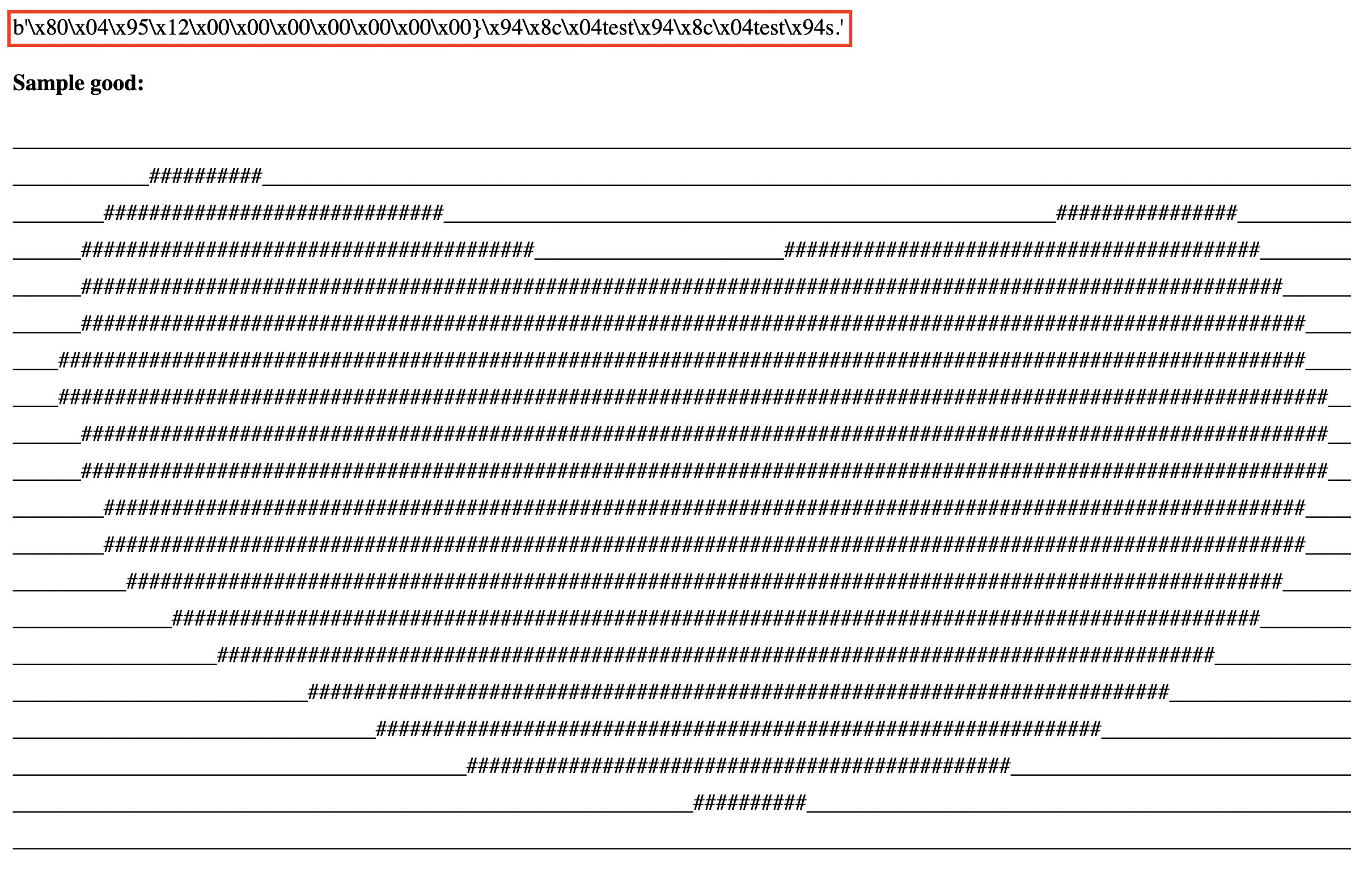
We know that the server is rendering the template with jinja2, we can check if this works using the following payload :
{
  "{{7*7}}":"{{7*7}}"
}
And check the response :
b'\x80\x04\x95\x18\x00\x00\x00\x00\x00\x00\x00}\x94\x8c\x0749\x94\x8c\x0749\x94s.'
Nice, we can see the 49 there, this means that SSTI (Server Side Template Injection) worked!