Lists on GUI (Module, Class and Student) do not sync up at certain points #11

Description

Detailed Description:
The 3 existing lists - Module, Class and Student List do not sync up correctly sometimes.
(Note: this is not a functionality flaw/bug but more of a potential area of improvement for your feature)
Steps to reproduce:
-
Current list:
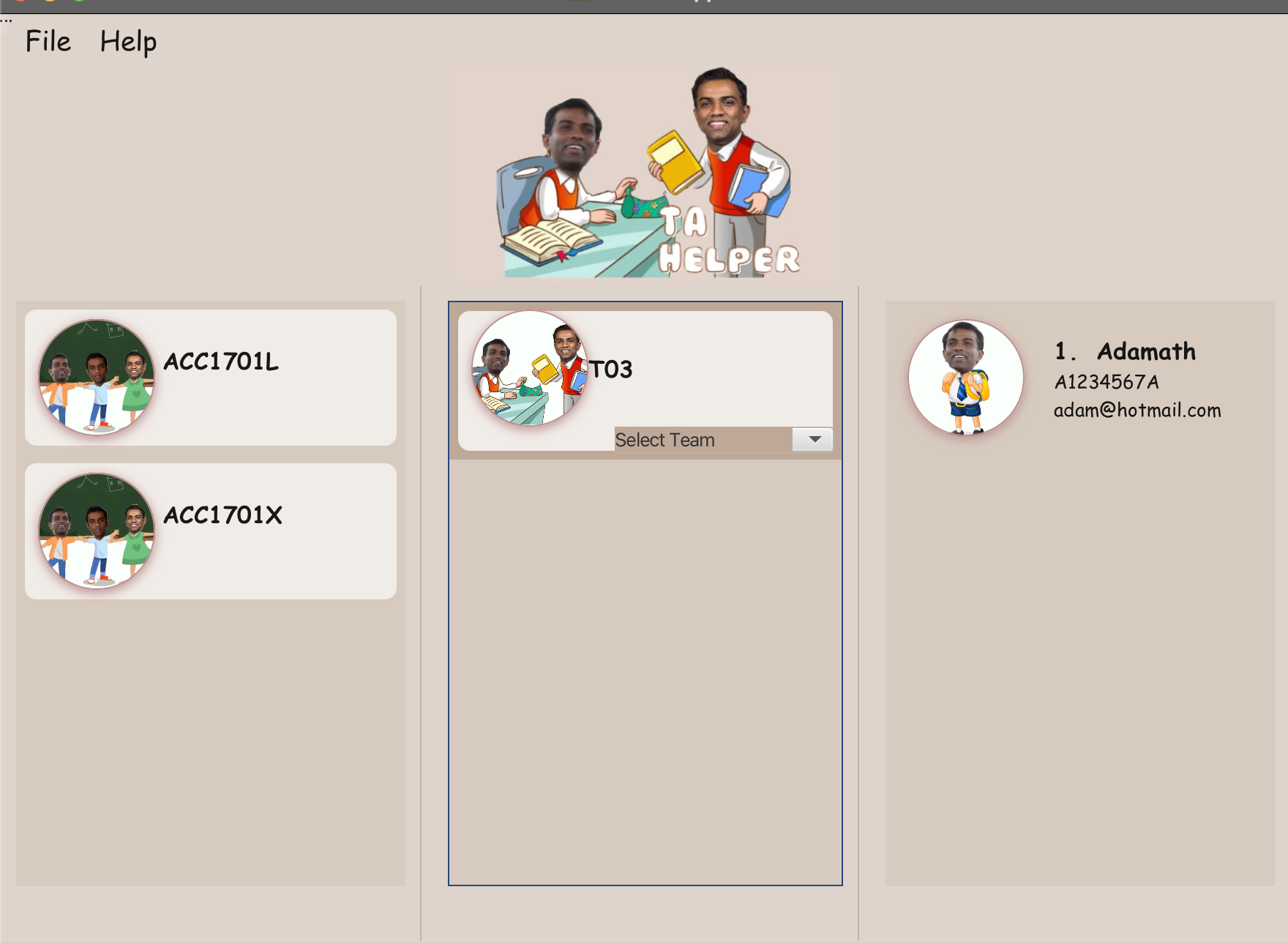
ACC1701X T03 has student Adamath in it.
ACC1701L T02 has no students. -
Viewing ACC1701X T03 Class List.
a. Click ACC1701X in leftmost panel
b. Click T03 in middle panel.
-
Viewing ACC1701L
a. Click ACC1701L in leftmost panel
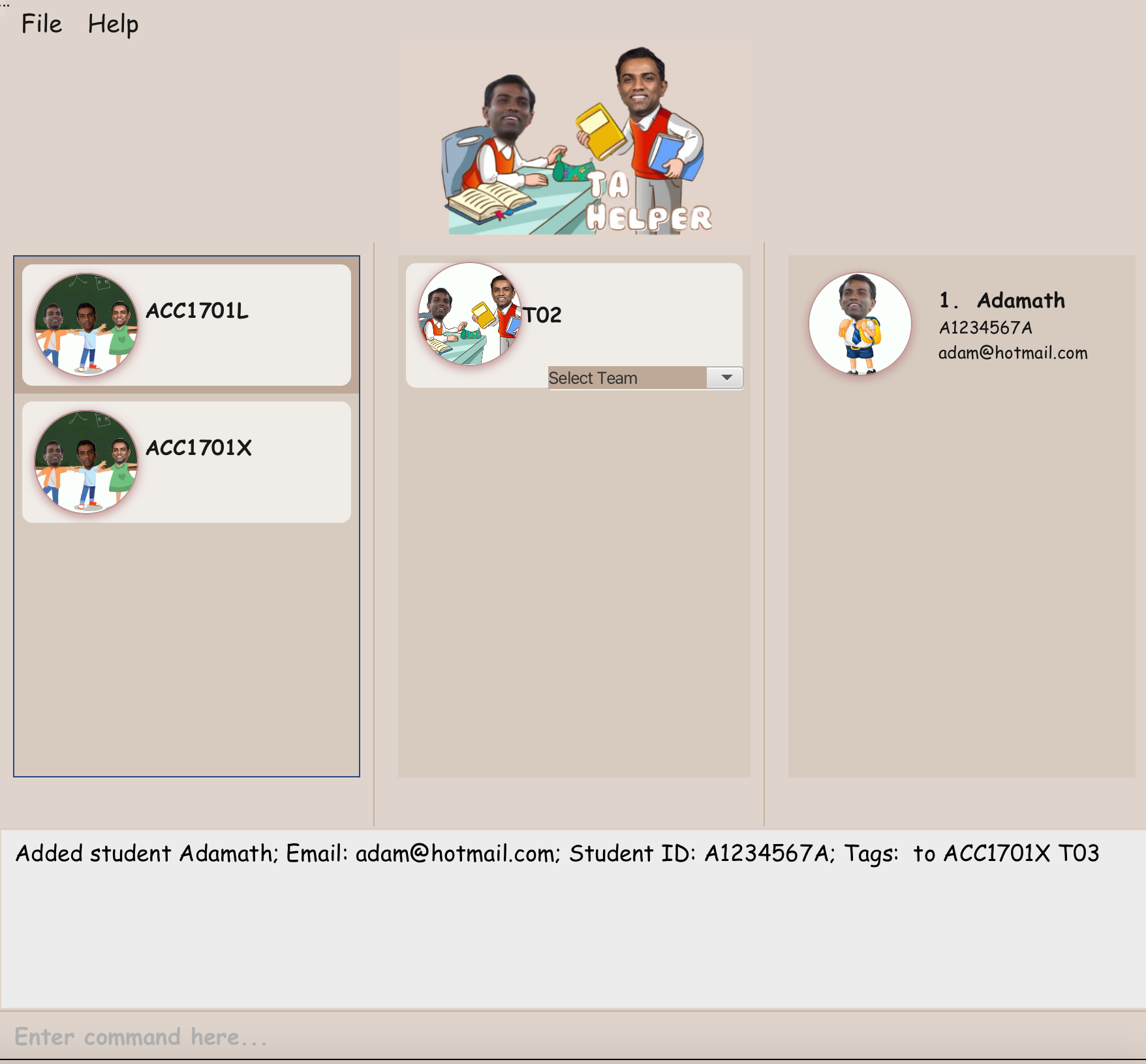
Here, ACC1701L has been selected and T02 is correctly displayed as the class belonging to that module. However, on the student list, Adamath is still there.
This may be misleading as it might seem as if Adamath is in ACC1701L T02 as well (while he isn't).
The need to click both ACC1701L then T02 means that a user would need to always click on the module and class to double check that the student list is updated correctly. Though not a very serious issue, this can feel slightly unintuitive and inconvenient.