You can specify the format of metadata for exported datasets by selecting the Custom option for the metadata type.
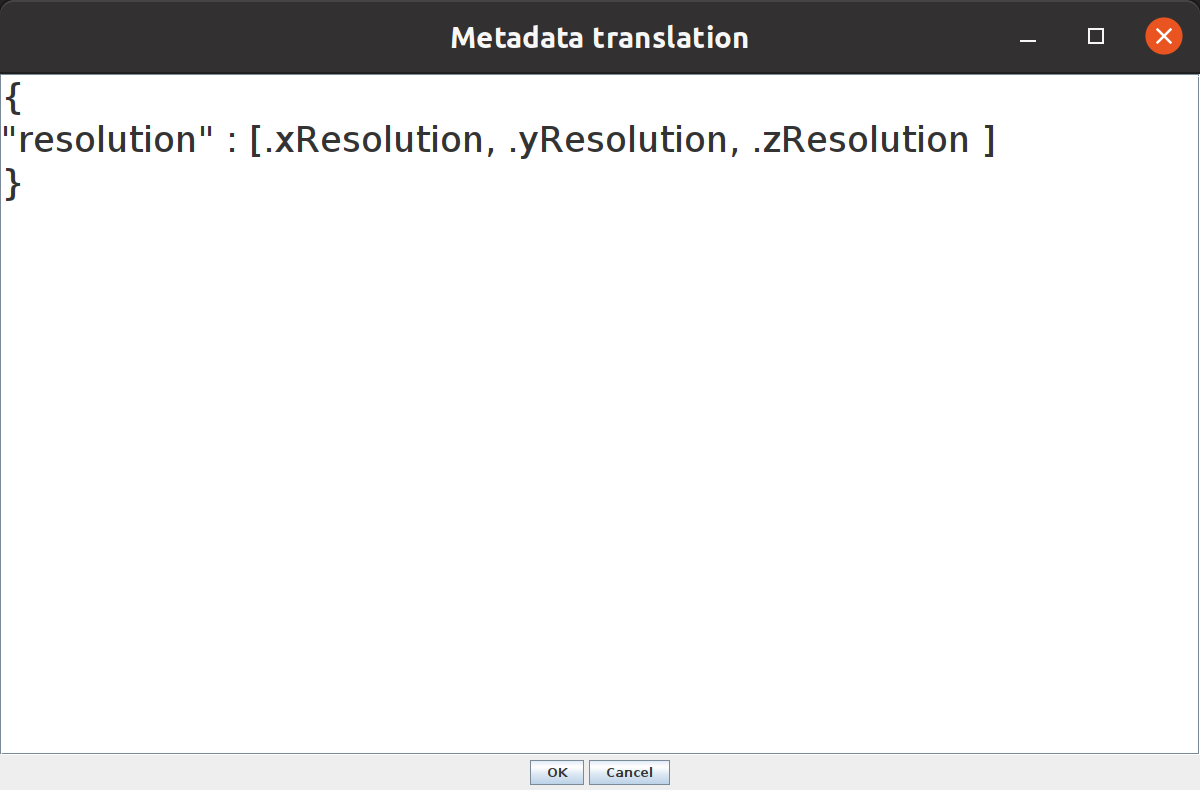
A dialog will appear, initialized with the resolution only examples
specification. The specification transforms the variables into a new json, formatting the metadata
as you desire. The specifcation mapper uses jackson-jq, a java implementation of jq.
See also the examples below.
namexResolution- spatial resolution in xyResolution- spatial resolution in yzResolution- spatial resolution in ztResolution- resolution in timexOrigin- spatial origin xyOrigin- spatial origin yzOrigin- spatial origin ztOrigin- origin in timexUnit- physical unit of x resolutionyUnit- physical unit of y resolutionzUnit- physical unit of z resolutiontUnit- unit of time resolutionglobalUnit- global spatial resolution unitaxis0- label of axis 0axis1- label of axis 1axis2- label of axis 2axis3- label of axis 3axis4- label of axis 4otherMetadata- the contents ofgetProperties
All examples will show output using the 5d mitosis.tif sample image from ImageJ.
Code implementing these examples can be found here.
{
"resolution" : [ .xResolution, .yResolution, .zResolution ]
}
yields:
{
  "resolution": [
    0.08850000022125,
    0.08850000022125,
    1
  ]
}
{
"transform":
    {
    "scale": [.xResolution, .yResolution, .zResolution],
    "translate": [.xOrigin, .yOrigin, .zOrigin],
    "axes": [.axis0, .axis1, .axis2, .axis3, .axis4],
    "units": [.xUnit, .yUnit, .zUnit]
    }
}
{
"transform" :
    {
    "axes" : ["x","y","c","z","t"],
    "scale" : [0.08850000022125,0.08850000022125,1.0],
    "units" : ["µm","µm","µm"],
    "translate" : [0.0,0.0,0.0]
    }
}