
Here is a working live demo : https://sgu-prabal-byte-bill.vercel.app/
Download the ByteBill Android App from : https://www.mediafire.com/file/je5e9lxppqvk0ua/ByteBill.apk/file
"This is where the magic begins."
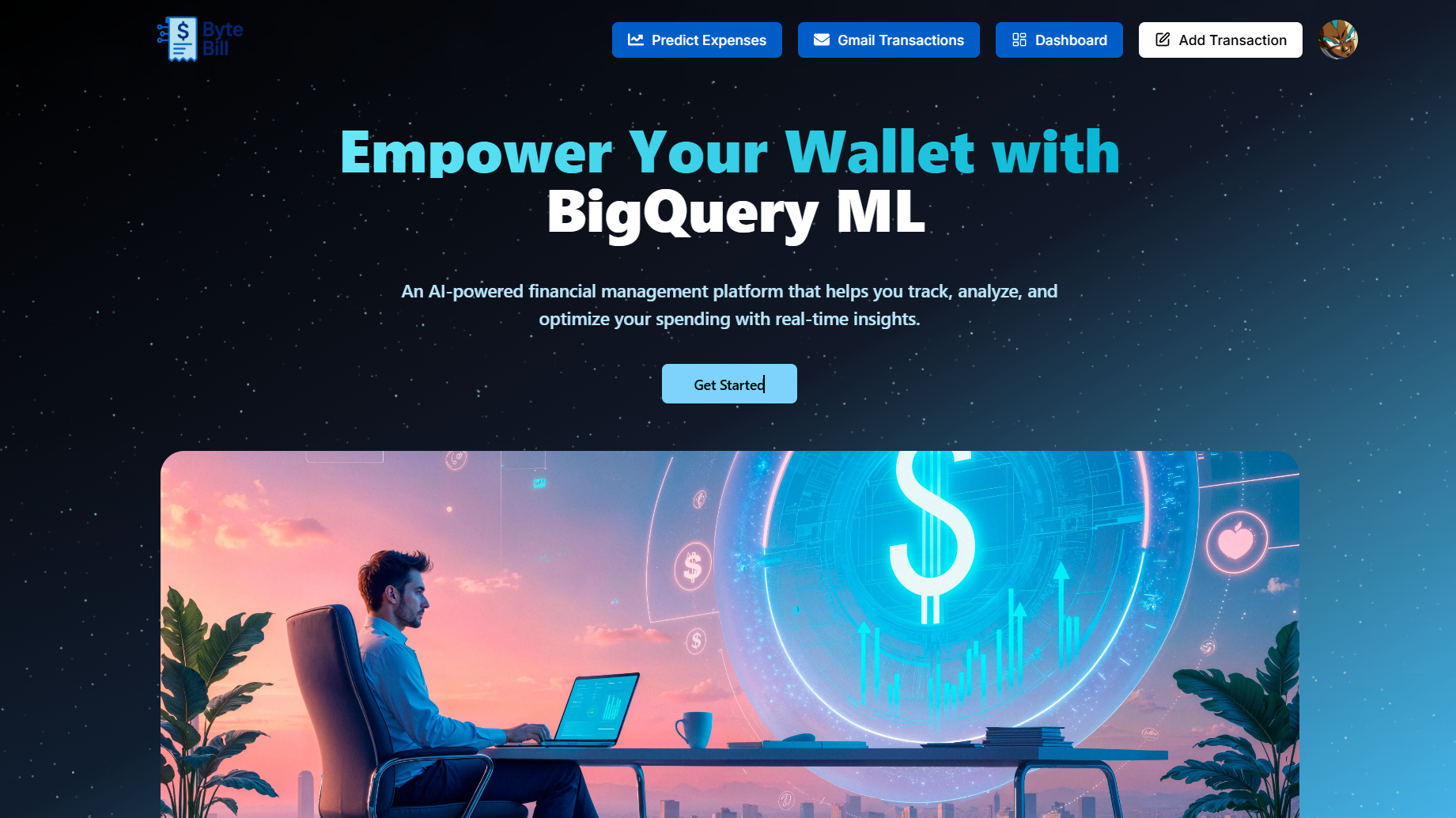
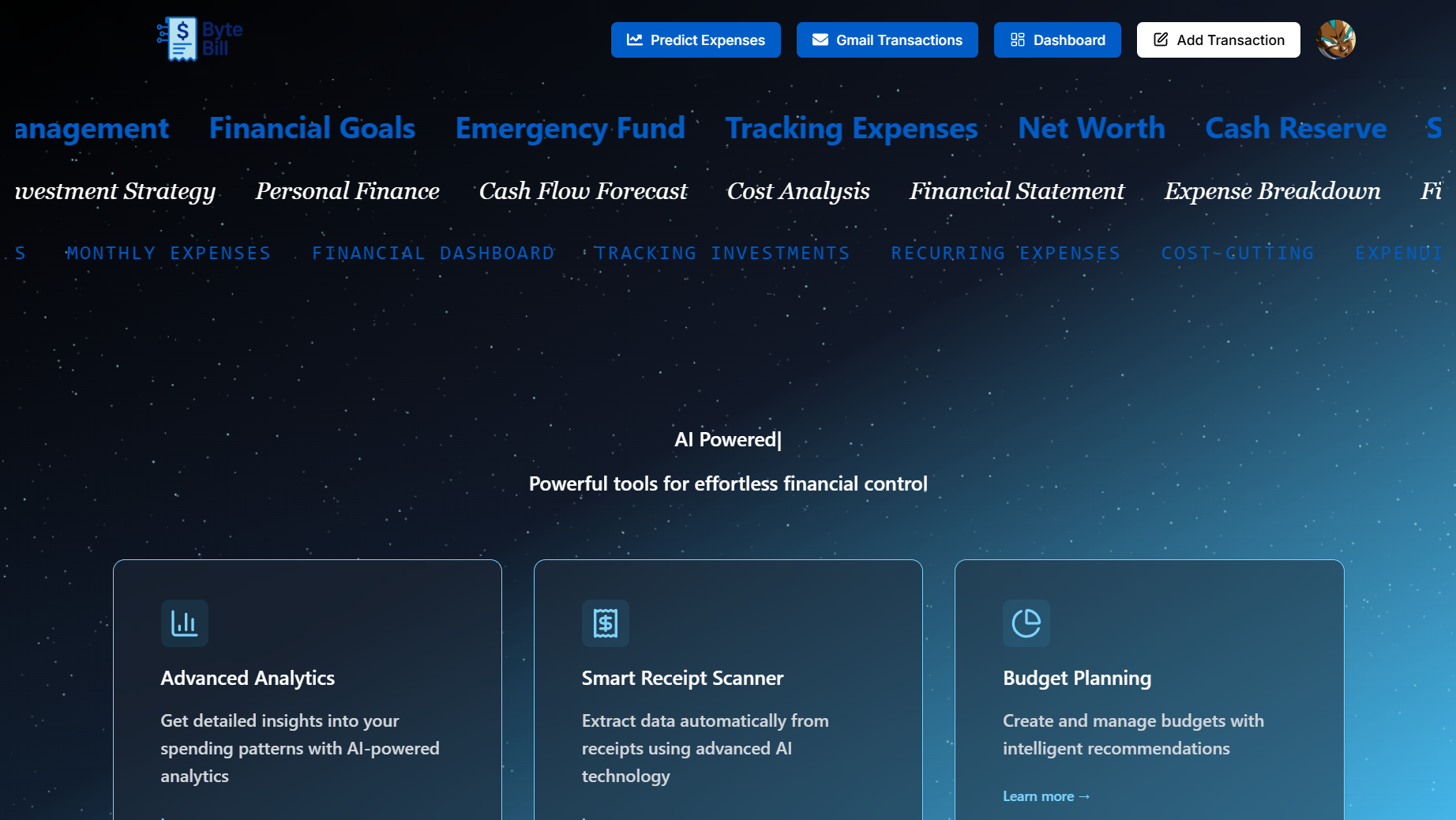
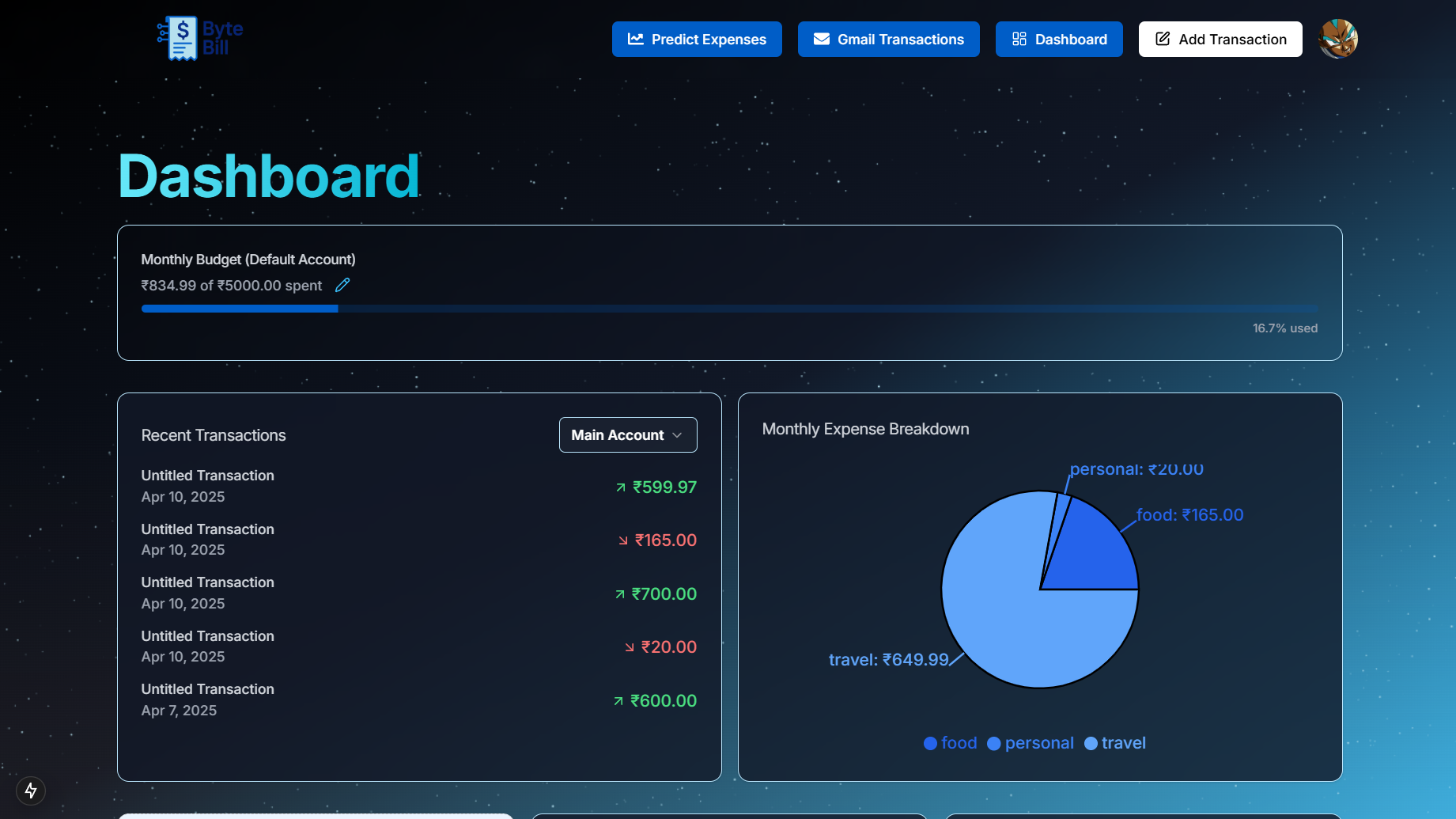
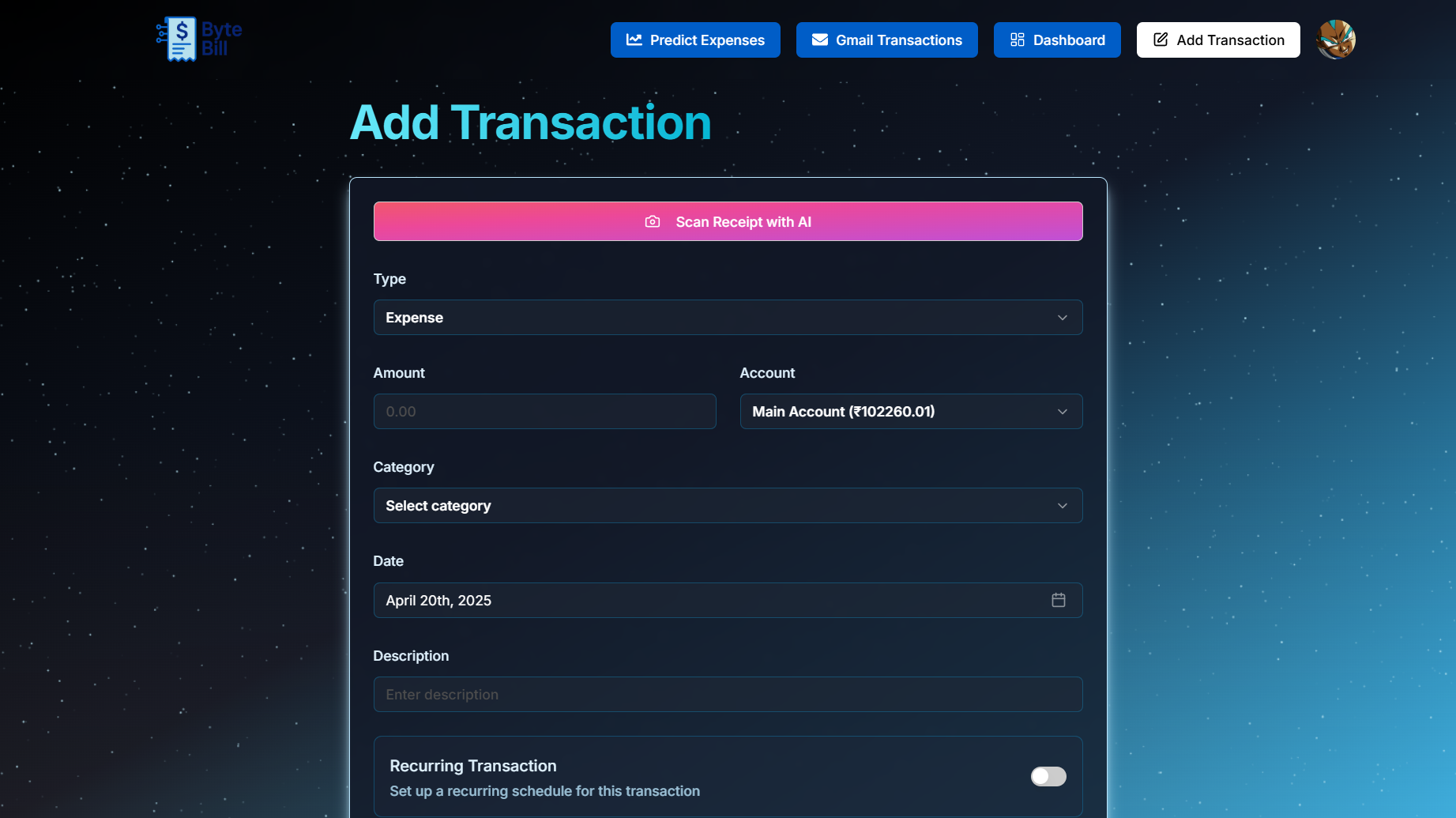
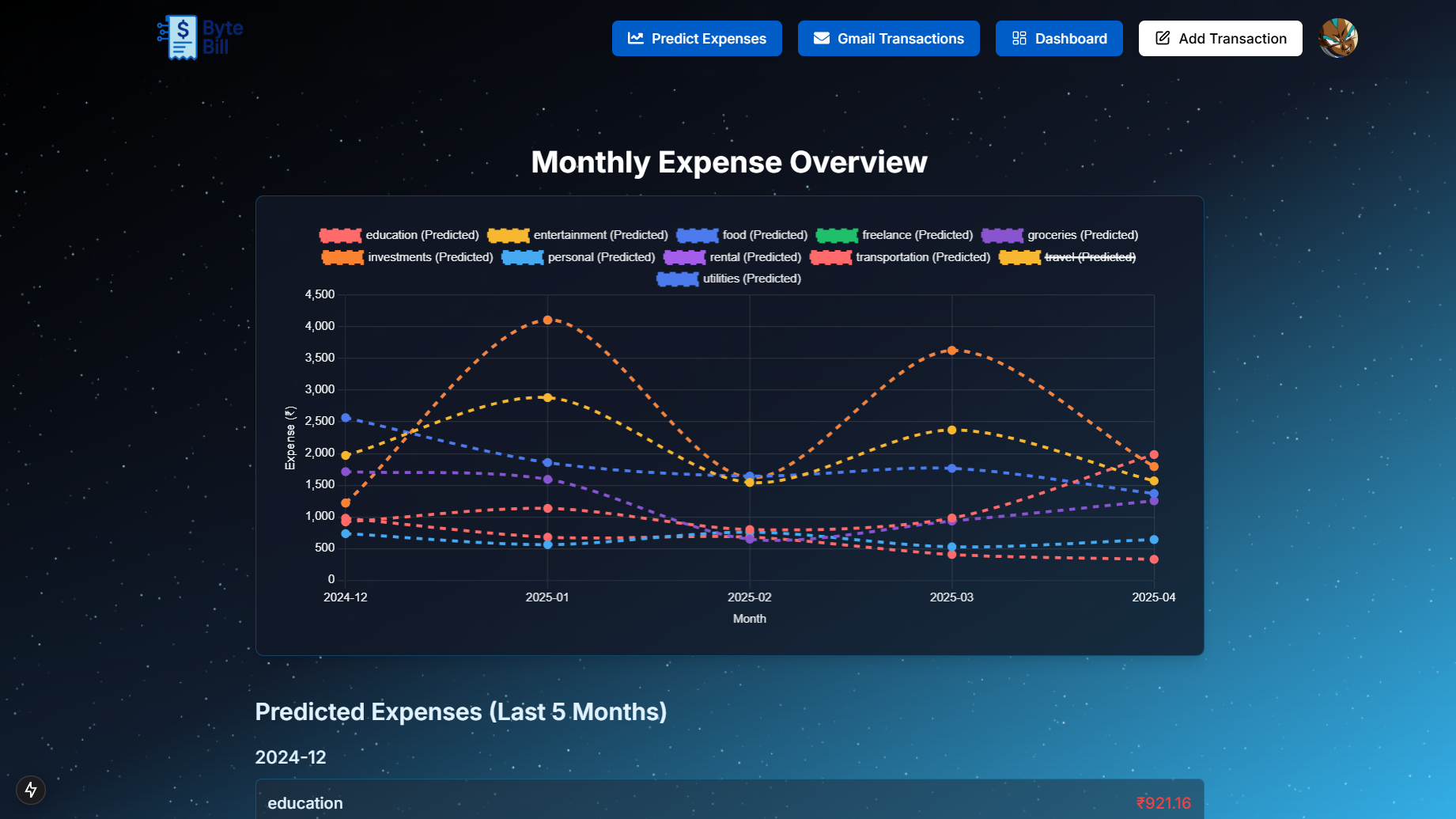
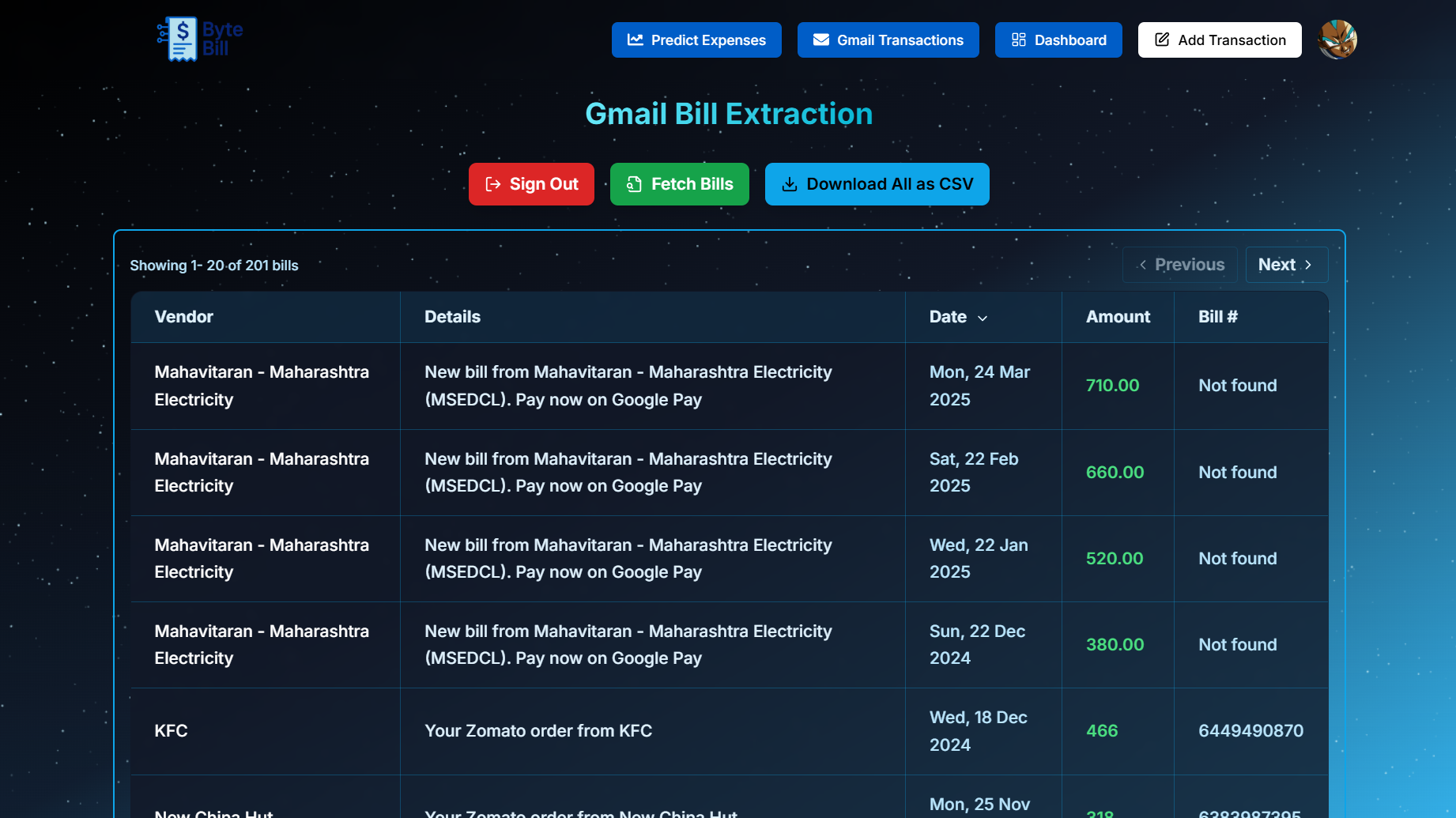
ByteBill is a smart bill extraction app that connects with your Gmail account to automatically detect, extract, and organize billing information from your emails. Designed to simplify personal expense tracking, ByteBill uses the Gmail API and intelligent parsing to bring all your bills into one clean, accessible dashboard.
It also supports bill image uploads, using Vision OCR to extract key details from scanned or photographed receipts and bills — making it easier than ever to digitize your finances.
But it doesn’t stop there — ByteBill integrates with BigQuery ML to analyze your transaction history and predict future monthly spending patterns. Using these insights, it also recommends personalized saving hacks and financial tips to help you manage your money better.
Key Features:
- 🔐Secure Signup using Clerk and Gmail integration via OAuth 2.0
- 📥Auto-detection of bills and payment receipts received via email
- 🖼️Vision OCR for extracting data from uploaded bill images
- 📊Expense forecasting using BigQuery ML
- 💡Smart saving suggestions and financial insights
- 🧾Clean UI for viewing and managing extracted bills
- 🔎Search and filter options for quick access
ByteBill helps you turn inbox chaos and paper clutter into financial clarity — one byte at a time.
This section should list any major frameworks/libraries used to bootstrap your project. Leave any add-ons/plugins for the acknowledgements section. Here are a few examples.
- [![Next][Next.js]][Next-url]


Follow these steps to set up and run the ByteBill project locally.
Make sure you have the following installed:
- Node.js (v16 or later)
- Next.js (v15 or later)
- Google Cloud Project with:
- Gmail API enabled
- Vision API enabled
- OAuth 2.0 credentials set up
- BigQuery access for ML predictions
-
Clone the repository
git clone https://github.com/Chinmay1635/SGU-Prabal-ByteBill.git cd SGU-Prabal-ByteBill -
Install NPM packages
npm install # or yarn install -
Set up environment variables Create a
.envfile in the root directory and add the following:DATABASE_URL= DIRECT_URL= NEXT_PUBLIC_CLERK_PUBLISHABLE_KEY= CLERK_SECRET_KEY= NEXT_PUBLIC_CLERK_SIGN_IN_URL=/sign-in NEXT_PUBLIC_CLERK_SIGN_UP_URL=/sign-up NEXT_PUBLIC_CLERK_AFTER_SIGN_IN_URL=/onboarding NEXT_PUBLIC_CLERK_AFTER_SIGN_UP_URL=/onboarding GOOGLE_CREDENTIALS_B64= NEXT_PUBLIC_GOOGLE_CLIENT_ID= VITE_GOOGLE_CLIENT_SECRET= VITE_GOOGLE_REDIRECT_URI= VITE_GOOGLE_PROJECT_ID= GEMINI_API_KEY= RESEND_API_KEY= ARCJET_KEY=
-
Run the app locally
npm run dev
# or
yarn run dev
If you have a suggestion that would make this better, please fork the repo and create a pull request. You can also simply open an issue with the tag "enhancement". Don't forget to give the project a star! Thanks again!
- Fork the Project
- Create your Feature Branch (
git checkout -b feature/AmazingFeature) - Commit your Changes (
git commit -m 'Add some AmazingFeature') - Push to the Branch (
git push origin feature/AmazingFeature) - Open a Pull Request
 Chinmay Kulkarni |
 Afnan Sayyad |
 Sumit Phalke |
 Piyush Rajurkar |