Event Creation
To create a new event on JEMS3, do the following:
- Request a new event accessing Events I'm Chairing > Request New Event:

- Fill all the required fields with information regarding your event and click on "Submit":
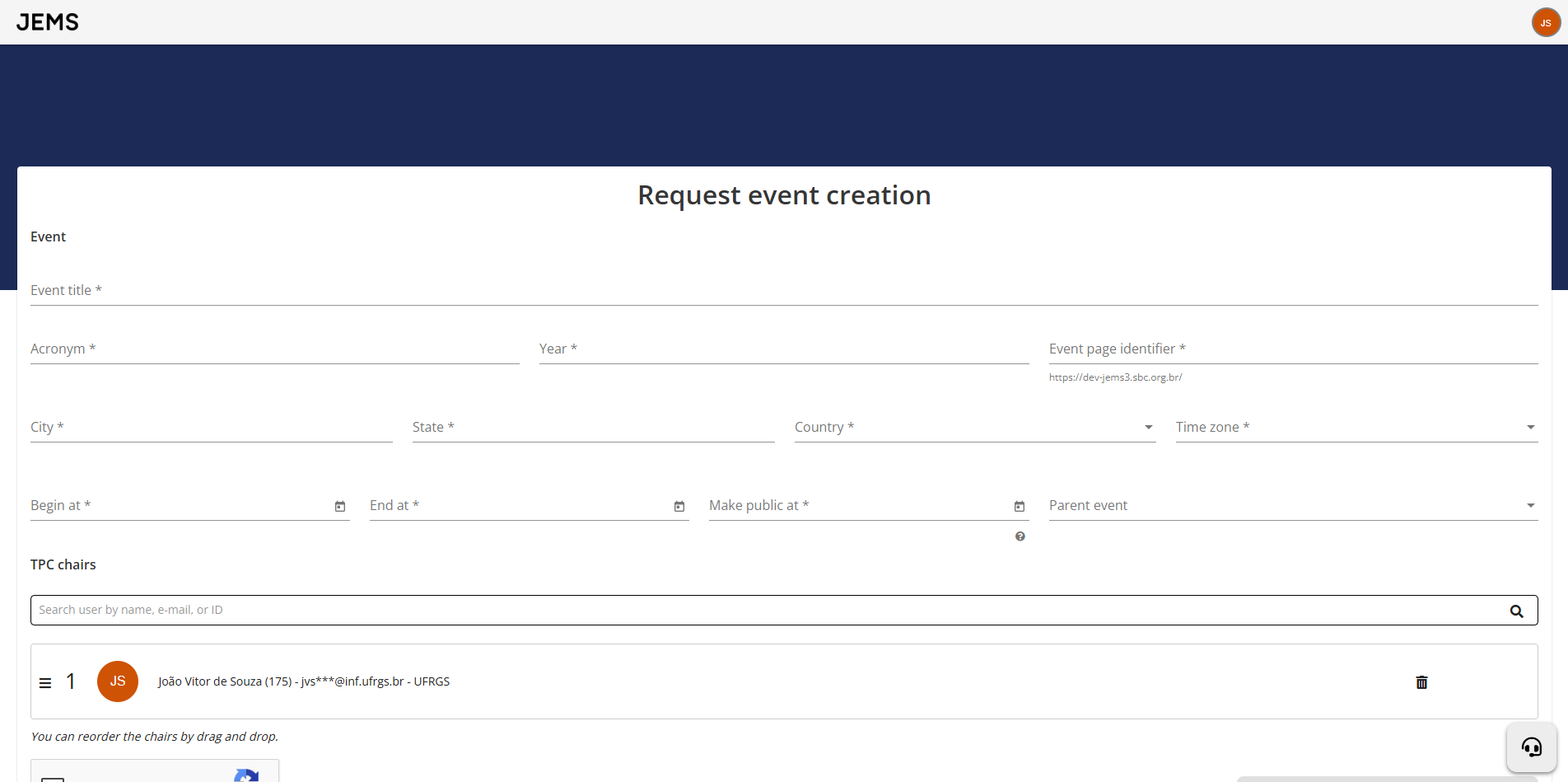
Once accepted, your event will appear in the Chairing section of the Events I'm Chairing menu.

Next phase: Paper Submission phase