

Show random block of note from vault / in a specified project or with a certain combination of tags.
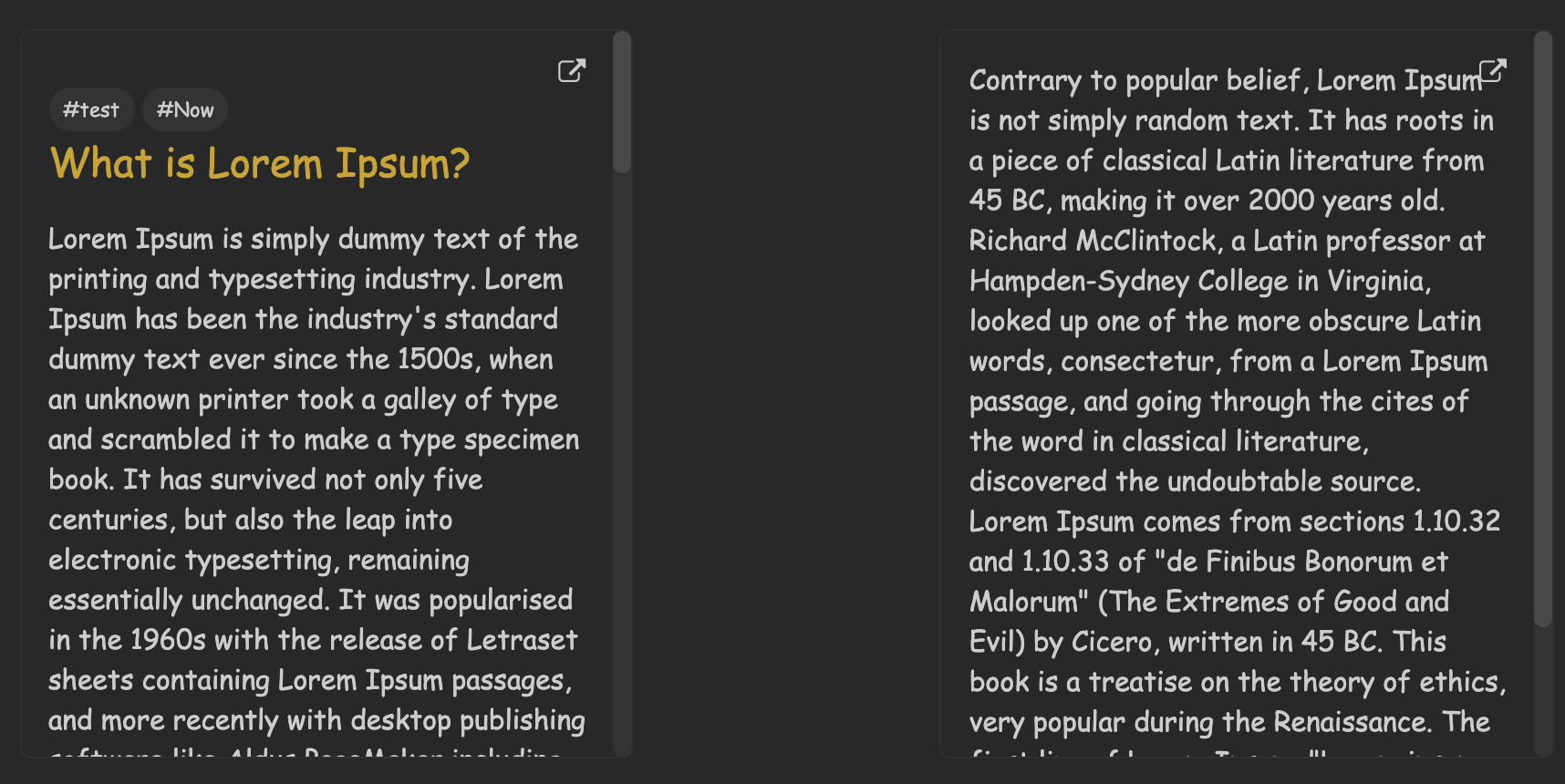
- Render block to show a note or a block of note
- Note is chosen randomly based on all search parameters & updated everytime the note is re-opened
- Filter using a combination of tags e.g.
tag1;tag2;tag3 - Filter by path location / note name
- Specify div width/height and alignment
- To display a note spotlight use render block id
spotlight-note - To display a block spotlight use render block id
spotlight-block - Each line represents a certain argument. Arguments are identified by with the following syntax:
argumentName=argumentValuefor e.g. to set div width:divWidth=50which sets the container width to 50% of the note width. - Each argument must be on a separate line.
- Arguments can be in any order
- Arguments that was not specified are set to default values
- Arguments are:
tags,match,divWidth,divHeightanddivAlign - The parameters are the following:
tagstag list based on which to choose note pool to display from. Tags must be separated by a;without the#at the start. e.g. to get a note with tags#testand#nowthe first line must betest;nowornow;testPath of notes to get info frome.g.Project Main/Project 1for all notes inProject Main/Project 1/Div container width in %Div Height in PixelsDiv alignmente.g.leftorright


- Code improvements
- Initial release

