



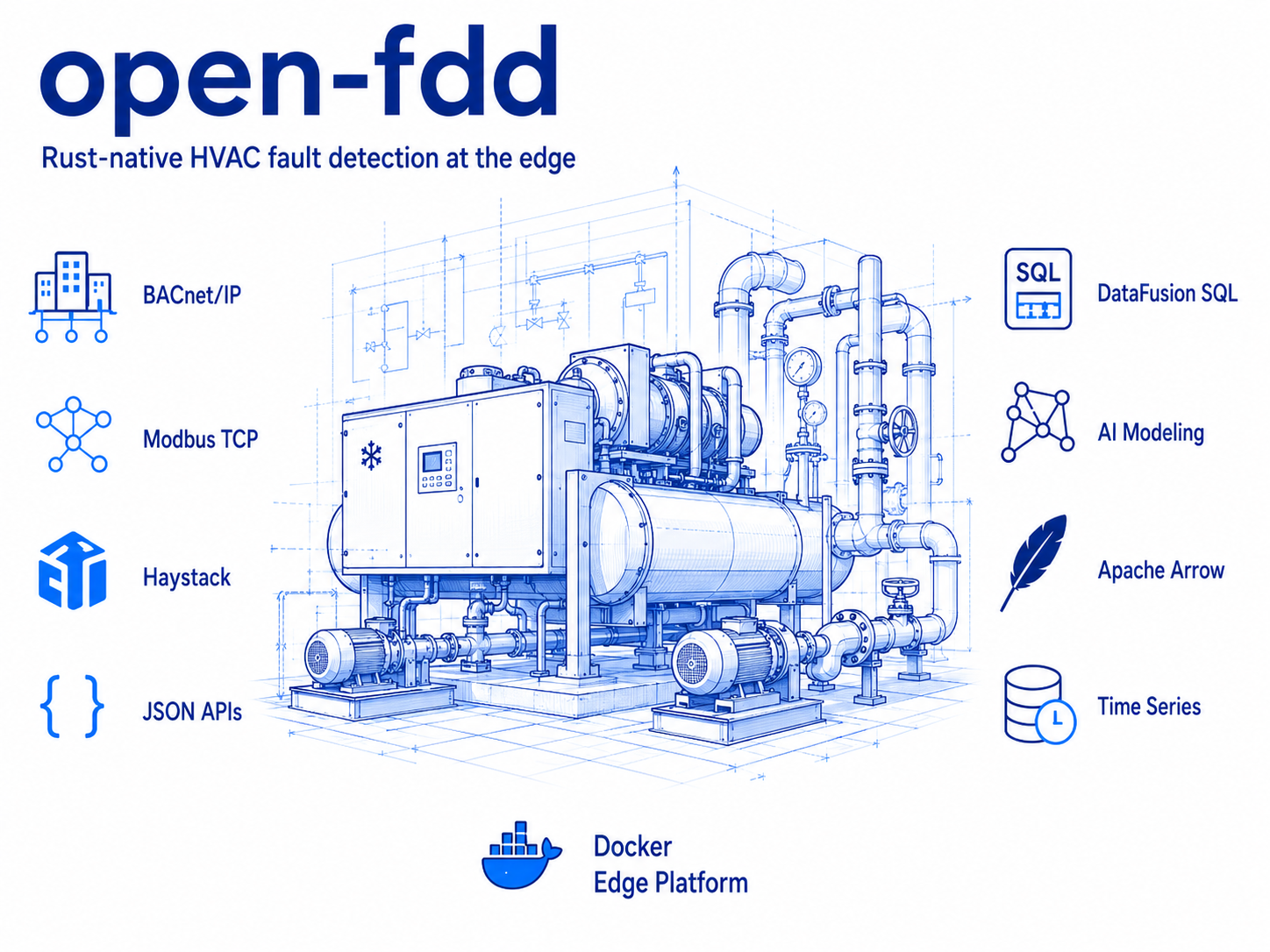
Open-source semantic building analytics and HVAC supervisory fault detection. Local-first. On-premises. Vendor-neutral. Free to run at the edge or offline.
Open-FDD Rust Edge is an open-source analytics platform for building automation systems that combines semantic knowledge graph modeling, live operational technology (OT) data, and high-performance columnar analytics into a single workflow.
The platform includes:
- Semantic building modeling using Project Haystack knowledge graphs
- JWT authentication and a modern React web interface
- Apache Arrow & Feather columnar data storage
- Apache DataFusion SQL analytics and fault detection
- BACnet, Modbus, Haystack, and JSON API drivers
- Interactive plotting, dashboards, and PDF reporting
- Deterministic CSV import, Haystack modeling, DataFusion SQL FDD, and reporting workflows
- Optional external agent integration via MCP stdio and JWT REST (no embedded chatbot)
- Docker and GitHub Container Registry deployment
Open-FDD supports two complementary deployment models.
Deploy on Linux IoT edge systems located within client environments, including industrial PCs, virtual machines, or edge servers connected to building automation networks. These systems can be securely subnetted to operational technology (OT) LANs for direct communication with BACnet, Modbus, Haystack, and other building control protocols while remaining isolated from the public Internet.
Run Open-FDD in Docker on engineering workstations to perform offline analysis of exported building data. Engineers can import and combine CSV files from multiple vendors, normalize timestamps, append or merge datasets, visualize trends, build semantic models, execute DataFusion SQL fault detection rules, and generate reports—all without requiring a live connection to the building automation network.
Both deployment models share the same analytics engine, semantic data model, Apache Arrow storage format, and DataFusion SQL execution layer, allowing engineering workflows to move seamlessly between offline analysis and live edge deployments.
Open-FDD is designed to be local-first. No cloud services are required. External agents connect through optional MCP and REST while building telemetry, semantic models, and analytics stay under the owner's control.


| Image | Role |
|---|---|
ghcr.io/bbartling/openfdd-edge-rust |
Primary runtime — bridge, dashboard, historian, commission, Haystack (SERVICE_MODE); openfdd-mcp binary (docker run --entrypoint openfdd-mcp …) |
ghcr.io/bbartling/openfdd-mcp |
Optional slim MCP image — same openfdd-mcp binary, stdio entrypoint only (smaller pull) |
Open-FDD does not ship an embedded AI chatbot or vendor-specific chat relay. External agents (Codex CLI, Cursor, Claude Desktop, OpenClaw, etc.) connect via MCP or REST — see docs/examples/external-agents.md.
GHCR publishes multi-arch images (linux/amd64 + linux/arm64). Edge scripts auto-detect the host CPU.
Host CPU (uname -m) |
Docker platform | Typical hardware |
|---|---|---|
x86_64, amd64 |
linux/amd64 |
Intel/AMD servers, VMs |
aarch64, arm64 |
linux/arm64 |
Raspberry Pi 4/5 (64-bit OS) |
Verify before pull (optional on Linux):
cd ~/open-fdd
./scripts/openfdd_rust_check_ghcr_platform.shcurl -fsSL -o /tmp/openfdd_rust_edge_bootstrap.sh \
https://github.com/bbartling/open-fdd/raw/refs/heads/master/scripts/openfdd_rust_edge_bootstrap.sh
bash /tmp/openfdd_rust_edge_bootstrap.sh --startcd ~/open-fdd
./scripts/openfdd_rust_site_backup.sh
./scripts/openfdd_rust_site_update.sh
./scripts/openfdd_rust_edge_validate.shCopy-paste: OpenClaw — fresh Raspberry Pi Rust edge bootstrap
Prompt tuned for OpenClaw on a new Pi. Edge deploy uses GHCR Docker (not a source clone): ghcr.io/bbartling/openfdd-edge-rust.
You are OpenClaw running on a fresh Raspberry Pi intended to become an Open-FDD edge device.
Goal:
Install and bootstrap Open-FDD Rust edge from https://github.com/bbartling/open-fdd on this fresh Raspberry Pi, start the Docker edge stack, then validate that:
1. Docker is installed and working.
2. Open-FDD edge stack is running (bridge, commission, haystack-gateway).
3. Bridge health is good (GET /api/health).
4. Auth is configured.
5. Plaintext bootstrap credentials are available in workspace/bootstrap_credentials.once.txt if generated.
6. Integrator login succeeds using the plaintext bootstrap credentials.
Important project facts:
- Open-FDD 3.2 edge is a Rust edge runtime — use openfdd_rust_edge_bootstrap.sh, not the legacy Python bootstrap.
- Primary GHCR image: `ghcr.io/bbartling/openfdd-edge-rust:nightly` (pin semver after a beta promotion)
- Bootstrap script:
https://github.com/bbartling/open-fdd/raw/refs/heads/master/scripts/openfdd_rust_edge_bootstrap.sh
- ARM64: verify GHCR manifest with openfdd_rust_check_ghcr_platform.sh
- Default site root: ~/open-fdd
- Persistent workspace: ~/open-fdd/workspace — never delete
- Never run docker compose down -v
- Do not print secrets into logs, Git commits, or chat
Work plan:
Step 0 — Identify host
Run: whoami; hostname; uname -a; uname -m; cat /etc/os-release; ip -4 addr show scope global
Step 1 — Install Docker if missing (official Docker apt repo for Debian/Pi OS)
Step 2 — GHCR architecture check on aarch64/arm64
Step 3 — Bootstrap
curl -fsSL -o /tmp/openfdd_rust_edge_bootstrap.sh \
  https://github.com/bbartling/open-fdd/raw/refs/heads/master/scripts/openfdd_rust_edge_bootstrap.sh
bash /tmp/openfdd_rust_edge_bootstrap.sh --start
Step 4 — Validate
cd ~/open-fdd && docker compose ps
curl -sf http://127.0.0.1:8080/api/health | jq .
./scripts/openfdd_rust_edge_validate.sh
Step 5 — Login smoke
Use integrator credentials from workspace/bootstrap_credentials.once.txt if present.
Do not print passwords or tokens.
Do not use bcrypt hashes from auth.env.local as login passwords.
Final report: host summary, Docker status, container status, health, login pass/fail, next manual steps.
Stop if GHCR pull fails, bridge health never recovers, or auth file missing.
Copy-paste: OpenClaw — ongoing edge operator (drivers + FDD)
Use after bootstrap when the stack is healthy. Agent connects via bridge JWT on port 8080 (or HTTPS via Caddy in prod compose).
You are OpenClaw maintaining an Open-FDD Rust edge site at ~/open-fdd.
Goal:
Help the human operator keep drivers, model, and FDD healthy — without BACnet writes unless explicitly approved.
You can:
- Check health: GET /api/health, GET /api/health/stack (JWT)
- Commission drivers: BACnet driver tree, Modbus points, JSON API sources
- FDD Wires: graphs, propose assignments, validate/approve/activate (integrator for activation)
- SQL rules: builder-sql, test-sql, validate-sql (DataFusion in Rust)
- Operations: building checkin, override scan/export, stack status
- Updates: openfdd_rust_site_backup.sh then openfdd_rust_site_update.sh
Never:
- docker compose down -v
- delete workspace/
- print passwords, tokens, or auth.env.local contents in chat
- expose the dashboard/API to the public internet
Start each session with integrator JWT login from workspace/auth.env.local.
Report faults, stale points, and recommended next steps in plain language.
Copy-paste: OpenClaw — backup, update & restore
Full reference: site lifecycle.
You are OpenClaw upgrading an Open-FDD Rust edge site at ~/open-fdd.
Goal:
Run a safe image upgrade with backup, Docker maintenance, validation, and backup purge — or restore workspace from backup if requested.
Standard upgrade:
cd ~/open-fdd
./scripts/openfdd_rust_site_backup.sh
./scripts/openfdd_rust_site_update.sh
./scripts/openfdd_rust_edge_validate.sh
Useful env vars:
NEW_TAG=beta GHCR channel or semver pin (OPENFDD_IMAGE_TAG)
OPENFDD_DOCKER_PLATFORM=auto linux/arm64 | linux/amd64
If validation fails:
- Backup is kept
- Inspect: docker compose logs --since 10m openfdd-bridge
- Never docker compose down -v; never delete workspace/
Report: backup size, image tag, health pass/fail, whether backup was purged.
Field bench: required workspace/data.env.local keys
Create workspace/data.env.local on OT benches from your local runbook. Never commit filled secrets or LAN IPs to upstream.
| Key | Required for | Notes |
|---|---|---|
OPENFDD_MODBUS_HOST / PORT |
Modbus live gate | Set OPENFDD_MODBUS_MODE=live |
OPENFDD_BACNET_SERVER_ENABLED=0 |
BACnet Who-Is on commission :9091 | Bench uses host-network commission |
OPENFDD_JSON_API_ENABLED=1 |
JSON API driver | Also set OPENFDD_JSON_API_URL (bridge seeds endpoints on 3.2.4+) |
OPENFDD_HAYSTACK_USER |
Haystack Niagara | HTTP Basic auth — not SCRAM |
OPENFDD_HAYSTACK_PASS |
Haystack strict gate | Niagara password; restart bridge after set |
After editing: ./scripts/openfdd_bench_safe_restart.sh then OPENFDD_DRIVERS_VALIDATE_STRICT=1 ./scripts/openfdd_drivers_validate.sh.
See operations troubleshooting and driver docs on the site.
Optional: MCP for external agents (after edge update)
openfdd_rust_site_update.sh pulls the core edge stack only. MCP is opt-in.
The openfdd-mcp binary ships inside openfdd-edge-rust (same Cargo workspace). Use either image:
- Full edge:
ghcr.io/bbartling/openfdd-edge-rust:<tag>with--entrypoint openfdd-mcpfor stdio MCP - Slim MCP-only:
ghcr.io/bbartling/openfdd-mcp:<tag>(stdio entrypoint baked in)
1. Edge must be healthy (curl -fsS http://127.0.0.1:8080/api/health).
2. Pull (optional):
cd ~/open-fdd
export OPENFDD_COMPOSE_ROOT="$PWD"
export OPENFDD_IMAGE_TAG=nightly

docker compose -f docker/compose.edge.rust.yml --profile mcp-sidecar pull openfdd-mcp
3. Obtain an integrator JWT (do not log or commit the token):
source scripts/openfdd_auth_lib.sh
INTEGRATOR_PW="$(openfdd_auth_plaintext_password workspace/auth.env.local integrator)"
export OPENFDD_MCP_TOKEN="$(
  curl -s -X POST http://127.0.0.1:8080/api/auth/login \
    -H 'Content-Type: application/json' \
    -d "$(jq -nc --arg u integrator --arg p "$INTEGRATOR_PW" '{username:$u,password:$p}')" \
  | jq -r '.token // .access_token'
)"
4. Connect Cursor — add to Cursor MCP settings (WSL path to docker):
{
  "mcpServers": {
    "openfdd": {
      "command": "docker",
      "args": [
        "run", "-i", "--rm", "--network", "host",
        "--entrypoint", "openfdd-mcp",
        "-e", "OPENFDD_API_BASE=http://127.0.0.1:8080",
        "-e", "OPENFDD_COMMISSION_BASE=http://127.0.0.1:9091",
        "-e", "OPENFDD_MCP_TOKEN",
        "ghcr.io/bbartling/openfdd-edge-rust:nightly"
      ],
      "env": {
        "OPENFDD_MCP_TOKEN": "<paste JWT from step 3>"
      }
    }
  }
}
Smoke test (stdio; Ctrl+D to exit):
docker run -i --rm --network host --entrypoint openfdd-mcp \
  -e OPENFDD_API_BASE=http://127.0.0.1:8080 \
  -e OPENFDD_MCP_TOKEN="$OPENFDD_MCP_TOKEN" \
  ghcr.io/bbartling/openfdd-edge-rust:${OPENFDD_IMAGE_TAG:-nightly}
MCP uses stdio JSON-RPC — it is not an HTTP service on a port. Full tool list and bench topology: mcp/README.md.
WSL or Linux. Prefer GHCR over local Docker builds (avoids OOM on small hosts).
git clone https://github.com/bbartling/open-fdd.git && cd open-fdd
cp .env.example .env
export OPENFDD_IMAGE_TAG=nightly
./scripts/openfdd_local_up.sh
./scripts/openfdd_ui_dev.sh    # Vite :5173 → API :8080
Native Rust (optional): cargo test --workspace && cargo build --release -p open_fdd_edge_prototype
| Channel | Tag | When to use |
|---|---|---|
| Nightly | :nightly / :sha-* |
Dev, bench, agents (default) |
| Beta | :beta / 3.3.0-beta.N |
Pilot sites after bench sign-off |
| Stable | :latest / 3.3.0 |
Production edge (not published yet) |
Maintainers: Actions → Rust Release → set VERSION match + channel beta or stable.
Full policy: Release channels · GHCR images
Open-FDD is for LAN / VPN / OT networks, not public internet hosting.
MIT — see LICENSE.
Version: 3.3.0-beta.1 (next release candidate — see release channels)