Project Title: Highway Havoc
Creator: Aiden Nguyen
Game Description:
Highway Havoc is a 2D scrolling car racing game designed to test user reflexes, strategy, and decision making to set high scores. The gameplay involves navigating a three-lane road, avoiding dynamic obstacles and collecting coins that serve as in-game currency. Players progress through increasingly difficult and quicker stages, as obstacles appear more frequently. There are warning signs that provide alerts about incoming dangers.
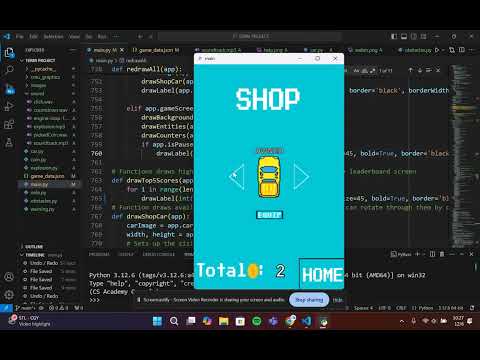
The game features difficulty modes – Easy, Medium, and Hard – offering challenges that reward higher scores. Coins can be used to purchase new vehicles. A leaderboard allows players to compete for the top spot, adding another layer of challenges. There is also an interactive start and help screen, assisting the player with the basic controls and fundamentals of the game. Finally, the automatic speed control creates a seamless experience where players can focus solely on lane-changing and obstacle navigation.
Run Instructions:
- The only module you would have to install is PIL/Pillow in order to load the images. Refer to this link for help https://www.cs.cmu.edu/~112/notes/tp-related-demos/tp-related-demos.html#installingModule
- The program is also running on CMU Graphics https://academy.cs.cmu.edu/desktop
- Download everything in this repository and put it into a folder (set a good name).
- Make sure your "cmu_graphics" folder (extracted from the CMU Graphics ZIP download) is in the folder you just created
- From there, make sure your images are all in the images folder and your sounds are all in the sound folder.
- Open your new folder into any IDE (VsCode).
- Run the main.py file to start the program.
Shortcut Commands:
- Go to the help menu to understand game controls
- Pressing 'p' will pause the game when it is active
- Also, you can press 'r' to reset the game when it is active